 IponWise
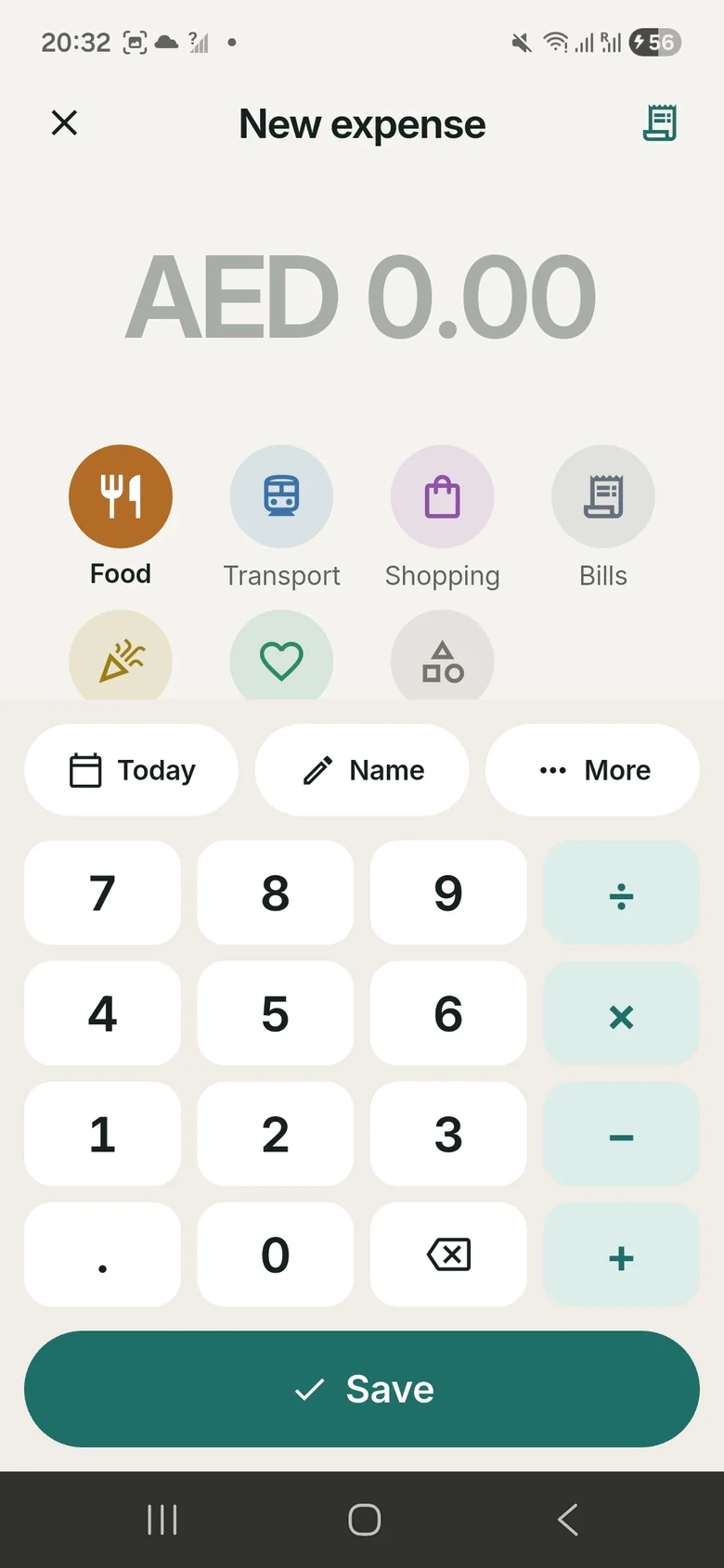
Quick add
Your usual taho, jeep fare or load shows up on Home. One tap saves it again.
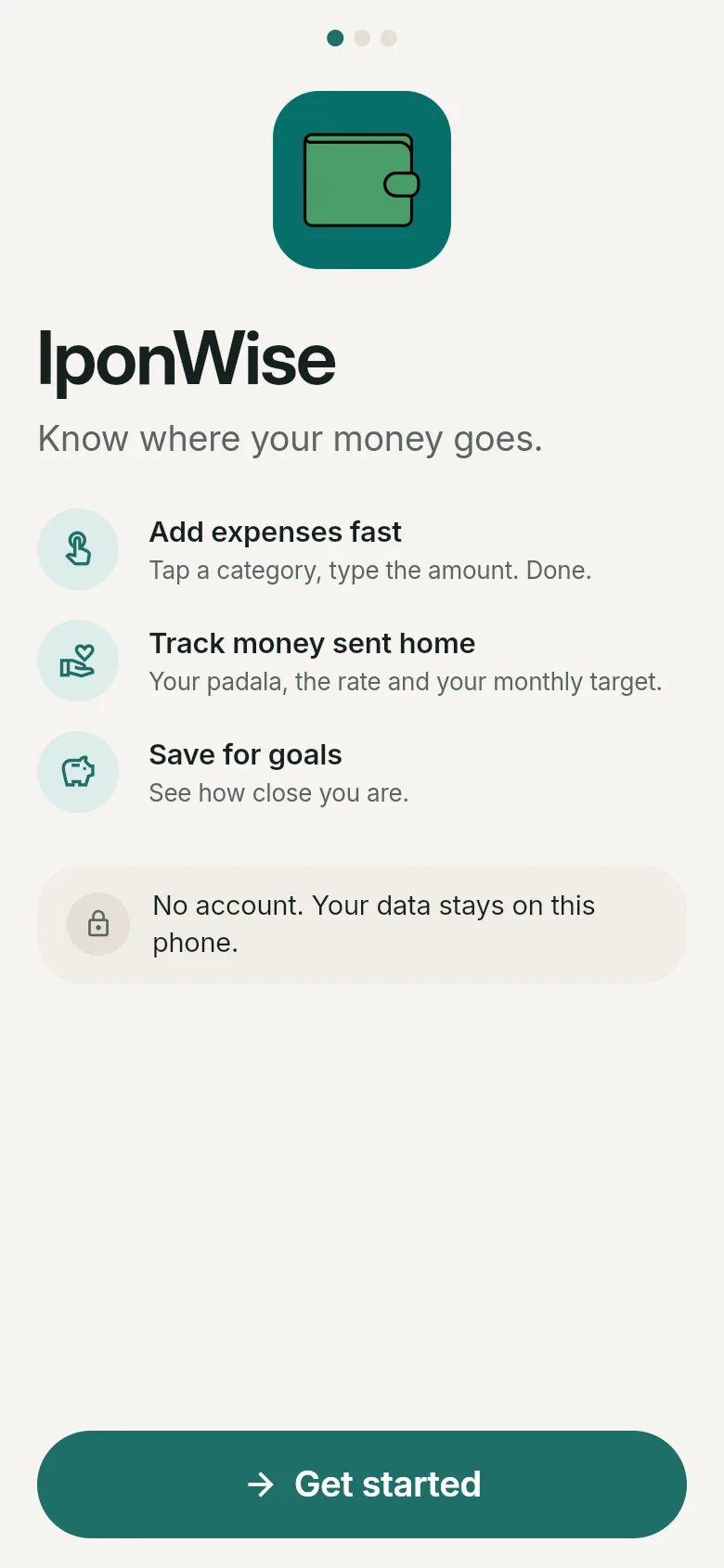
Add an expense in three taps. See what's safe to spend today. Save for what matters. All on your phone.
Want to know when it's out? Get notified by email.
No forms, no typing long notes. The keypad even does math.
Food, Transport, Bills… or your own.
Split a bill right there: 450 ÷ 3
Buy the same thing often? Next time it's one tap from Home.
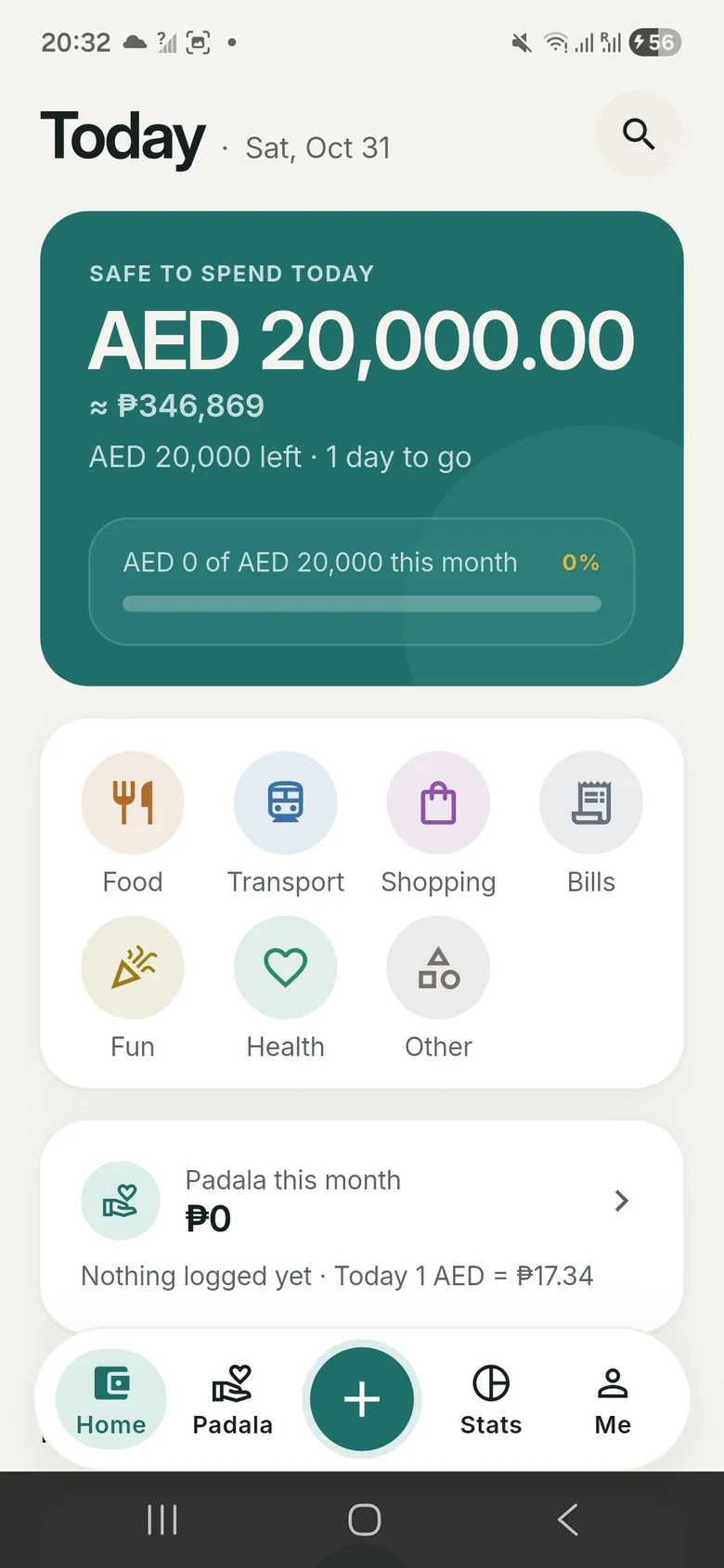
Set a monthly budget once. IponWise splits what's left over the days to go, so you always know how much you can use today. Sending money home? You see it in pesos too.
Your usual taho, jeep fare or load shows up on Home. One tap saves it again.
One monthly budget, plus one per category if you like. A heads-up at 80%.
A house, school fees, a trip home. See how close you are and if you're on track.
Spending by category, per day, and the last 6 months against your budget.
Finds repeating payments like Netflix or iCloud and reminds you 2 days before they renew.
Today's safe-to-spend amount and a quick Add button, right on your home screen. Android.
Also: your own categories, receipt photos, search, CSV export, backups and dark mode.
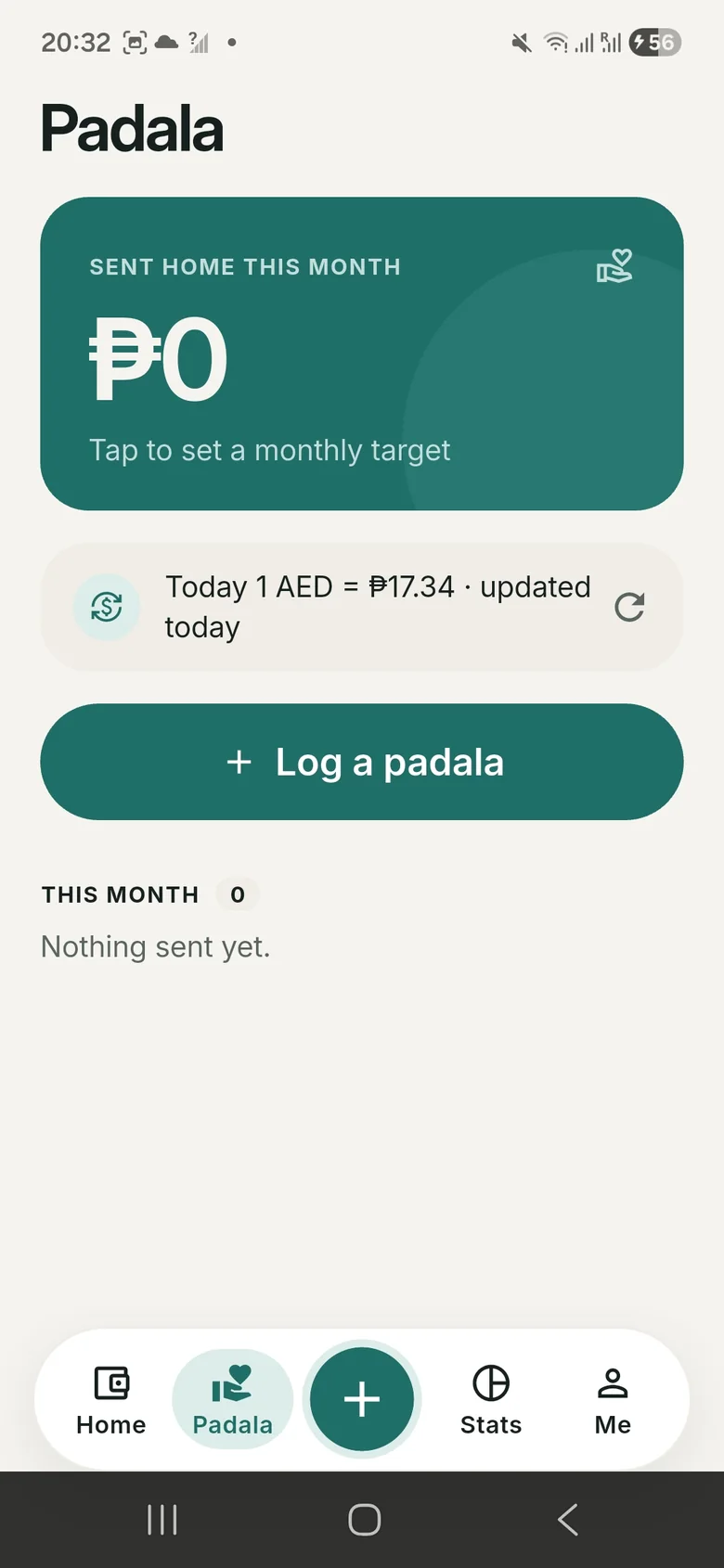
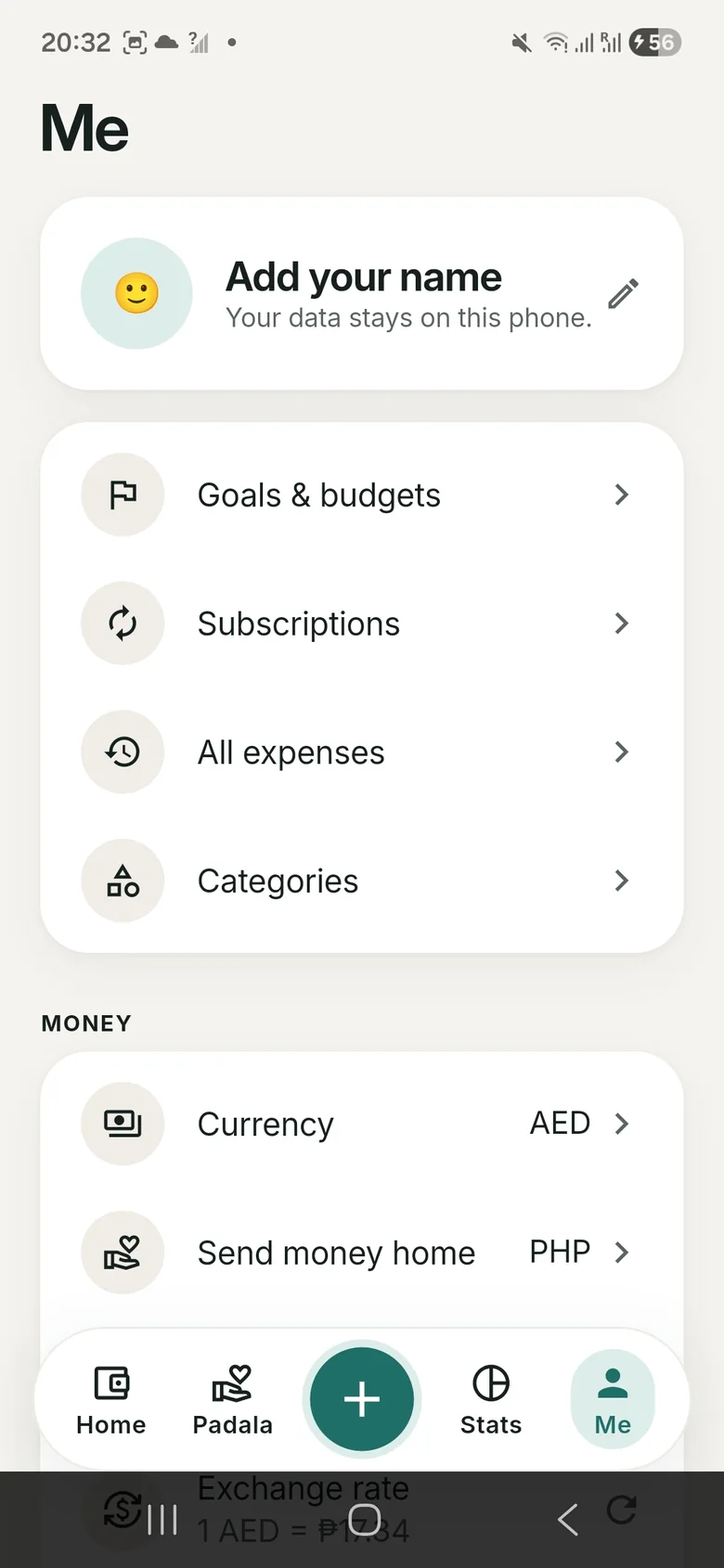
Turn on "Send money home" and IponWise shows your spending in both currencies. Log each padala, see the rate you really got, and follow your monthly target.
Padala is not counted as spending, so your budget stays honest. Don't send money home? Leave it off and you won't see it.
IponWise has no servers to send your data to. Everything you enter stays in the app on your phone.
Yes. Everything in the app is free, with no ads and no subscription.
No. There's nothing to sign up for. Your data lives in the app on your phone.
No. The only time it goes online is to get today's exchange rate, and only if you turn on "Send money home". That request has no personal data in it.
PHP, AED, SAR, QAR, KWD, HKD, SGD, TWD, JPY, USD, EUR, GBP, CAD, AUD, INR and MXN. The app picks your phone's currency first, and you can change it any time.
No. You add expenses yourself, which takes a few taps. Nothing is linked to your bank or cards.
Go to Me → Your data → Back up, move the file to your new phone, then use Restore there.
"Ipon" (ee-pon) is the Filipino word for saving. IponWise means being wise with your money: know where it goes, so more of it stays with you.
IponWise is coming soon to Android and iPhone.